
Shopify Store Analyzer: How to Analyze Competitor Stores with TrendTrack
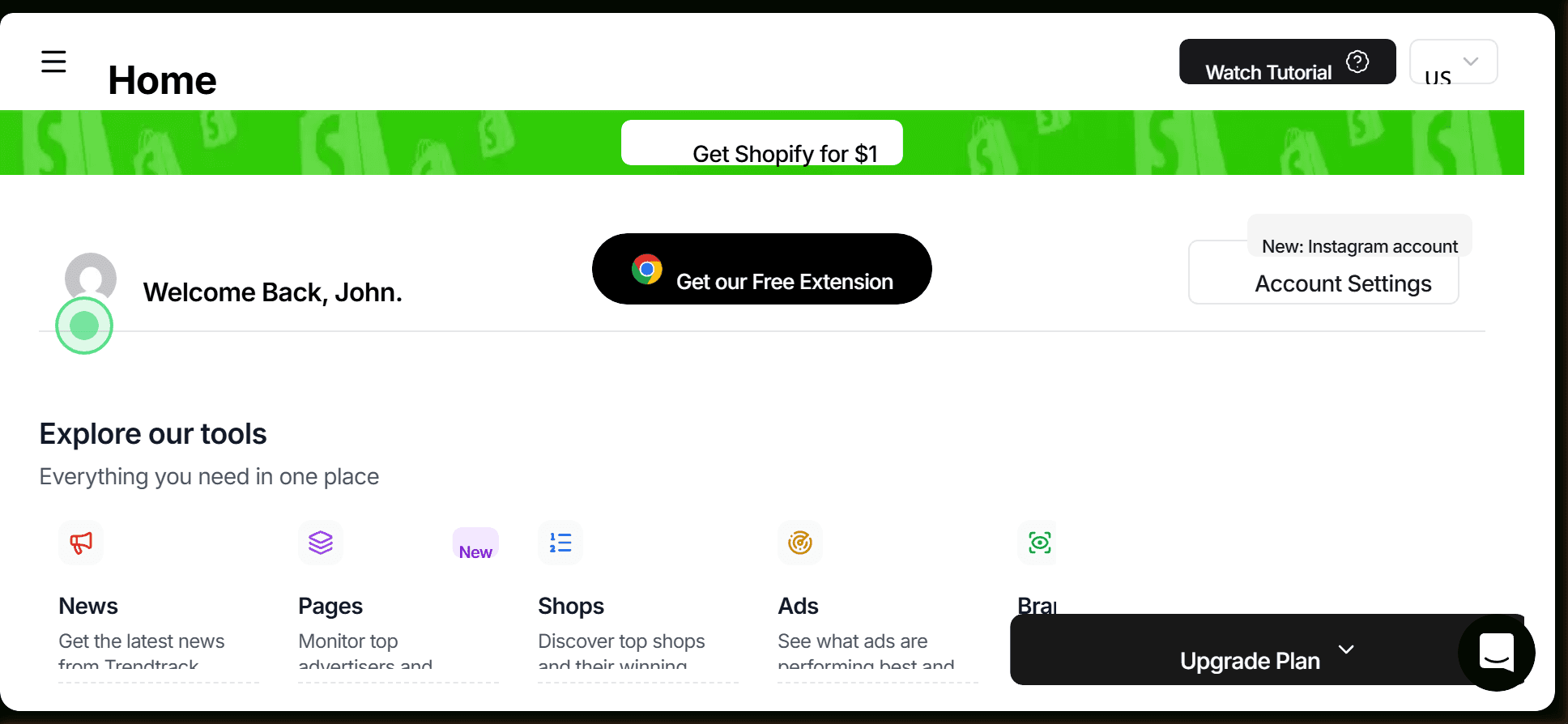
What a Real Shopify Store Analysis Looks Like
A proper shopify store analyzer workflow goes beyond checking whether a store is live. It tells you how much traffic a competitor receives, which products are driving revenue, what ad platforms they're spending on, which apps they've invested in, and whether their growth is accelerating or plateauing. Done systematically, this kind of analysis turns competitor stores from opaque black boxes into transparent case studies.
TrendTrack is the most complete Shopify store analyzer available in 2026. Its database covers 5 million Shopify stores with daily updates, and it connects store-level data directly to ad library data, impression figures, and product trends - something no single-metric tool can match. This guide walks through the five key dimensions of a full competitor store analysis and how to execute each one.
What a Full Store Analysis Reveals
Before diving into the how, it helps to map out what each metric actually tells you and how to act on it. This table covers the core data points available in TrendTrack's store analysis:
| Metric | What It Means | How to Use It |
|---|---|---|
| Store creation date | Age of the business | Older stores with scaling traffic = proven model worth studying |
| Monthly traffic | Estimated visitor volume (multiply by 3 for real estimate) | Gauge market size and competitor scale |
| Traffic growth % | Month-over-month trend | Identify which competitors are scaling vs stagnating |
| Best sellers | Top-traffic products | Validate product-market fit; identify what to sell or avoid |
| Recently added products | New catalog additions | Early signal of upcoming ad pushes |
| App stack | Operational infrastructure | Infer revenue scale, sophistication, and business model |
| Active pixels | Tracking and ad platforms | Identify which channels the competitor is actively monetizing |
| Active ads | Current ad creatives and spend signals | Understand creative angles, offers, and scaling velocity |
| Ad impressions | Actual EU/UK impression data from DSA reporting | Measure true ad investment and identify winning creatives |
| Theme | Design and CRO investment level | Benchmark your own store design; identify premium vs basic setups |
Step 1: Find the Store in TrendTrack and Establish Baseline Context
Start in TrendTrack's store database. Search by brand name, product keyword, or niche category. The database is updated daily and covers 5 million Shopify stores - significantly more comprehensive than most alternatives. You can filter by traffic range (40K-300K monthly visitors is a useful sweet spot for identifying serious operators without Fortune 500 brands), growth rate (200%+ to find fast-scaling stores), minimum ad count (30+ ensures you're looking at active advertisers), and maximum product count (150 or fewer focuses you on focused operators rather than large general catalogs).
TrendTrack also includes pre-made segments - Weekly Gems, Top Scaling, and Market Leaders & DTC Brands - which are curated lists of stores meeting specific performance criteria. These are useful starting points when you don't have a specific competitor in mind but want to identify which stores in a category are growing fastest.
Once you've identified a store, the first things to note are: creation date, country, and total product count. A 2-year-old store with 8 products and strong traffic is a different kind of competitor than a 3-month-old store with 200 products. The former is a focused brand operator; the latter is likely a catalog dropshipper. Your response to each is different.
Want to try this yourself? Start a free TrendTrack account →
Step 2: Analyze Traffic and Growth Signals in TrendTrack
Traffic analysis is the most important quantitative step in any competitor store analysis. TrendTrack shows monthly visit estimates for the last 3 months, plus a growth percentage. Apply the traffic multiplier: TrendTrack shows approximately one-third of real traffic volume. A store displaying 150K monthly visits is likely receiving 450K real visitors.
For revenue estimation on an optimized Shopify store, a rough benchmark is approximately $1 per visitor per month on a well-run store. A 450K-visitor store generating ~$450K/month in revenue is spending significantly on paid acquisition - their ad decisions are worth studying carefully.
Growth percentage is more important than absolute traffic for identifying emerging competitors. A store at 60K monthly visits but growing at 200%+ month-over-month is worth watching closely - in 60 days it may be at 180K visits. Finding these stores early, before they become obvious competitors, is one of TrendTrack's most valuable use cases.
For a practical guide to finding high-growth stores and the products behind them, see our tutorial on finding winning products with TrendTrack.
Step 3: Check Products - Best Sellers and New Additions
TrendTrack surfaces best-selling products for each store, based on traffic and ad signal data. This is the closest thing to knowing a competitor's actual revenue breakdown without access to their Shopify admin. When a competitor's best seller is a product you're also considering, you have external validation that the product works at scale.
The "last added products" feed is equally important. Competitor stores don't add products randomly - new additions typically correlate with upcoming ad campaigns. A store that added three new products in the last week is likely about to launch ads for at least one of them. Monitoring this feed for your top competitors gives you 5-10 days of advance warning on their next push.
Cross-reference new product additions with TrendTrack's ad library. If a product was just added to a store's catalog and there are already ads running for it, the test has begun. If there are no ads yet, you're seeing the product before the campaign launches - a rare early signal.
For a deeper dive into competitive product monitoring, our Brand Tracker guide covers the full ongoing monitoring workflow.
The 5 Key Things to Look for in a Competitor Store
After running hundreds of store analyses, these are the five signals that consistently separate actionable insights from noise:
1. App Stack Sophistication
The apps a store runs are a compressed view of its operational maturity. Triple Whale costs over $100/month and is only justified at meaningful revenue - a store running it is doing real numbers. Klaviyo with a large list signals strong retention and repeat purchase economics. Post-purchase upsell tools (ReConvert, CartHook) indicate a focus on AOV. Parcel Panel or similar order tracking apps signal high fulfillment volume. Each app in the stack adds a piece to your competitor picture.
2. Pixel Diversity
Which ad pixels are active tells you which channels a competitor is spending on. Meta Pixel plus TikTok Pixel plus Google Tag means a multi-channel operator with diversified acquisition. Meta Pixel only means Facebook-dependent - which is both a risk signal for them and a signal that they haven't validated other channels yet. If a competitor you're watching suddenly installs a TikTok Pixel, they're about to test that channel.
3. Traffic Trend Direction
Is traffic growing, flat, or declining month-over-month? A flat traffic competitor isn't scaling. A declining competitor may be pulling back spend. A growing competitor is actively investing. Focus your deepest analysis on the growing stores - they're the ones making decisions worth understanding.
4. Ad Volume and Duration
The link from a store's TrendTrack profile to its ad library shows you every active and historical ad. The number of active ads tells you the scale of their media buy. Ad duration tells you what's working - ads running 30+ days are confirmed profitable. A competitor with 40 active ads, 15 of which have been running for over 3 weeks, has a mature, validated creative library.
5. Product Catalog Focus
A store with 3-10 products is a focused operator betting on specific items - their best sellers are high-conviction bets, not catalog experiments. A store with 200+ products is testing broad - their best sellers are still meaningful, but the signal-to-noise ratio in their catalog is lower. The focused operator's decisions are generally more instructive for your own product research.
Ready to find your next winner? Try TrendTrack free - no credit card needed →
Step 4: Review Ad Strategy Using Combined Filters
This is where TrendTrack's combined filter capability creates a genuine advantage over single-metric tools. Instead of running separate searches for store data and ad data, TrendTrack lets you cross-reference ad filters, store metrics, and page content in a single query.
A practical example: search for stores with 100K-300K monthly traffic, growing at 200%+, running 30+ active ads, with a maximum of 50 products. This query surfaces serious, focused operators who are actively scaling - the exact competitor profile most worth analyzing. Single-metric tools require you to build this picture from multiple separate searches, losing context along the way.
When you've identified a competitor's ad strategy, look for these patterns: which product categories generate the most ad volume, which creative formats they lean on (video UGC vs polished studio vs comparison), whether they're running catalog ads or single-product campaigns, and how their impression data has trended over the last 30 days.
For impression interpretation, use the benchmark framework: under 200K is testing, 200K-500K is likely winner, 500K-1M is strong, 1M+ is a super winner that has likely been running for some time. See our detailed tutorial on analyzing winning ad creatives for how to turn these signals into creative decisions.
How TrendTrack's Combined Filters Beat Single-Metric Tools
Most Shopify analyzer tools answer one question at a time: this tool shows traffic, that tool shows apps, another shows ads. TrendTrack is the only platform that connects all three layers - store metrics, ad library, and product data - in a single queryable database.
The practical implication: you can find stores that match a specific profile (traffic range + growth rate + ad volume + product count) and immediately drill into their ad creative, best sellers, and app stack without switching tools or losing context. This is why TrendTrack is the best Shopify store analyzer for competitive research, not just store lookup.
For a side-by-side comparison of how TrendTrack's store analysis capabilities compare to alternatives, see our TrendTrack vs Afterlib comparison or the full alternatives overview.
Getting Started
TrendTrack's store analysis features are available across all plans. The Starter plan at $59/month gives you access to the store database, Chrome extension, and basic ad library. The Pro plan at $89/month adds Brand Tracker and advanced filters. The Business plan at $149/month (or $105/month annual) unlocks the full platform including API access.
Annual billing reduces costs significantly - $42/month on Starter annual vs $59/month monthly. See the pricing page for a full plan comparison, or check the promo page for current discount codes before subscribing.
For a complete evaluation of every TrendTrack feature - not just store analysis - read our comprehensive TrendTrack review. And if you're just getting started with the platform, the free Chrome extension gives you store analysis on any Shopify site you visit with zero commitment - our Chrome extension guide covers setup in under 5 minutes.

Colin
E-commerce operator and tool tester since 2020. I run product research and paid media every day, then write up what these platforms actually do once the demo is over. Every review here is based on weeks of real use, paid for out of my own pocket.